


Best ticket tracking software for Installment Companies

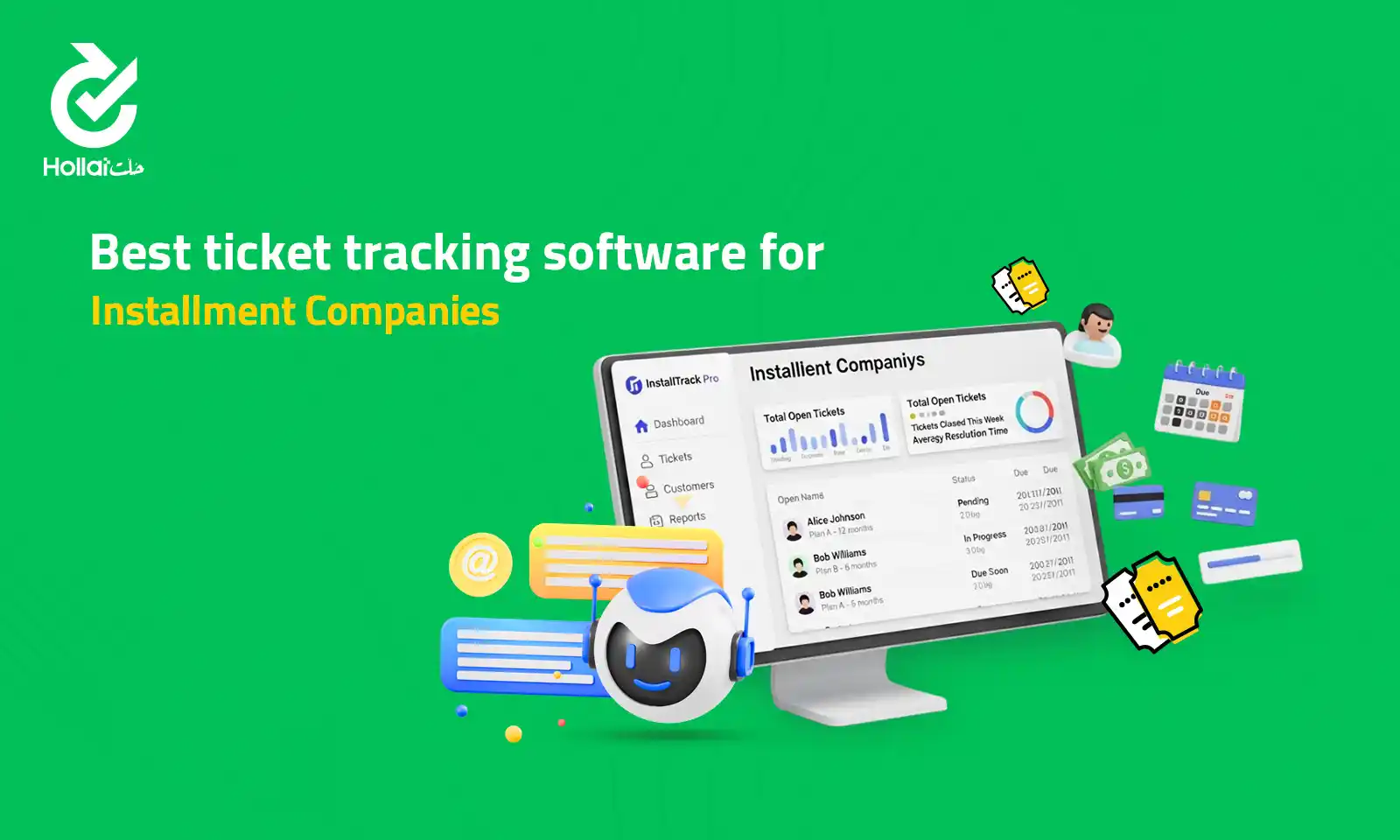
Companies dealing with customer service questions or internal support should have some kind of system to keep track of problems. Ticket tracking software helps teams collect, categorize, assign, and monitor tickets from start to finish. Messages are not lost in email or chat and instead, everything is in one location, making responses quicker and more precise. Companies will be able to provide better services, develop loyalty with customers and improve service quality with a better visibility and communication.
What Is Ticket Tracking Software?
Ticket tracking software is a tool used to organize, monitor, and manage customer or internal support requests. When a person sends a problem via email, chat, phone, social media, or help desk form, the system generates a ticket which may be assigned, prioritized, and tracked until it is resolved. It stores all communication, status updates and information in a single location assisting support teams to react quicker, eliminate lost requests and offer more dependable service.
How Ticket Tracking Improves Customer Support
Ticket tracking contributes significantly to the provision of quick, structured, and reliable customer services. Transforming each query to a ticket that can be handled, businesses become more visible and can automate their operations and better their communication with clients. It results in faster resolutions and an enhanced service experience.
Key improvements include:
- Minimal diffusion messages rather than fragmented tickets.
- Response times with priorities are faster.
- Greater team work and responsibility.
- Less risk of lost or forgotten problems.
- Open customer status updates.
- Information to be maintained in a detailed format to refer to and analyze in the future.
Core Features of Ticket Tracking Systems
Ticket tracking systems are associated with the necessary features that assist in maintaining order in teams, communicating effectively, and solving problems quicker. These tools make sure that all the requests are managed in the most appropriate manner since they are submitted to the time they are closed. Knowing these essential features simplifies the process of businesses selecting an appropriate software.
Read More: Remote Customer Support software
| Feature | Description |
| Ticket Creation | Converts inquiries from email, chat, phone, or forms into trackable tickets |
| Prioritization | Assigns urgency levels to handle critical issues first |
| Ticket Assignment | Routes tickets to the right agents or departments |
| Status Tracking | Shows whether a ticket is open, in progress, or resolved |
| Internal Notes & Collaboration | Allows teams to share context and updates privately |
| Automation | Auto replies, routing, and follow ups to save time |
| Reporting & Analytics | Tracks performance, response times, and resolution rates |
| Customer Portal | Lets customers submit, view, and track their own tickets |
Real-Time Tracking and Agent Performance Visibility
ticket tracking software
Live tracking provides support staff with immediate access to all ongoing tickets, status, priority, and history of the customer. Workloads and response times of agents and works in progress can be tracked by managers as they occur, and therefore it becomes easier to balance the workload and to avoid delays. Having the visibility of performance, the teams will be able to detect the bottlenecks, enhance training, and uphold the quality of service, as well as provide the customers with the quick and reliable response.
Automated Ticket Assignment and Routing
Automated ticket assignment and routing assists in maintaining order and responding quicker to teams. Once a new request arrives, the system automatically determines such factors as the type of issue, priority, history of the customer or the number of agents working on it and forwards the ticket to the most appropriate staff member or department. This saves on manual sorting, will do away with delays, and will make sure that the customer receives the correct person at the first point of contact to enhance efficiency and quality of service.
How Ticket Tracking Helps Maintain SLAs
Ticket tracking software helps businesses maintain SLAs by keeping response and resolution times clearly visible and structured. The deadlines, priority levels, and status updates are stamped on each ticket and therefore teams will always know what to attend to first. Agents can be warned of an impending breach of SLA, and this saves time and missed deadline. Having actual business statistics about performance, management is able to regulate the workload, staffing, and be sure that the customers will always get the kind of service they were promised.
Integrating Ticket Tracking with CRM Platforms
Combining ticket tracking and customer relationship management systems forms a customer and support ecosystem. All ticket information, history of communication, and customer data is displayed in a single location instead of processing service request individually. The agents immediately view purchases, interactions, preferences, and past problems and provide quicker and more personal assistance. This relationship enhances coordination of the team, builds customer relationship and offers deeper insights towards making smarter decisions.
Examples of Ticket Tracking Workflows
The following are typical examples of ticket tracking processes that companies can utilize to simplify support:
- New Ticket Creation: A client places an order through email, chat or form. The system automatically issues a ticket with a unique ID and allocates the same to the support queue.
- Ticket Prioritization: Tickets receive a high, medium, or low priority tag according to their urgency or SLA criteria, with priority going to those that are critical.
- Automated Routing: This system diverts tickets to the correct agent or department according to capability, work, or type of issue.
- Internal Co-operation: Agents add notes, provide updates, and collaborate on complex tickets in the system.
- Status Updates: Tickets follow a series of stages: Open, in progress, pending customer, and resolved, which keeps the team and customers updated.
- Escalation Management: Tickets that are not addressed within the boundaries of SLA are automatically sent to senior staff or managers.
- Closure and Feedback: Tickets are closed once solved and customer can be sent a survey to give feedback on how his/her service can be improved.
Also, read more about Issue Tracking Software
Ticket Tracking in Hollat CRM — Smart Incident Resolution
The ticket tracking system of Hollat CRM is more effective in the incident management sphere by integrating all the requests made by customers into a single intelligent system. All inquiries (via email, chat, phone or forms) are automatically turned into a trackable ticket and easily assigned to the appropriate agent and prioritized to get solved quickly. Real-time updates, automated routing and performance insights allow your team to react more quickly, work as a group, and solve problems more effectively. Hollat CRM will make incident resolution smarter, and it is worth checking out with us today.
FAQs
What is ticket tracking software?
Ticket tracking software is a system that organizes, monitors, and manages support requests, turning customer or internal inquiries into trackable tickets from submission to resolution.
What is the benefit of ticket tracking in enhancing customer service?
It consolidates all requests, prioritizes, monitors progress, and ensures faster response, misses few issues and enhances overall services quality.
Is it possible to have ticket tracking that preserves SLAs?
Yes, tickets could be tracked to SLAs, and the automatic alerts on at-risk requests could assist teams in fulfilling their promised response and resolution times.